Customer story: Porting Cozy Caravan to mobile and Switch
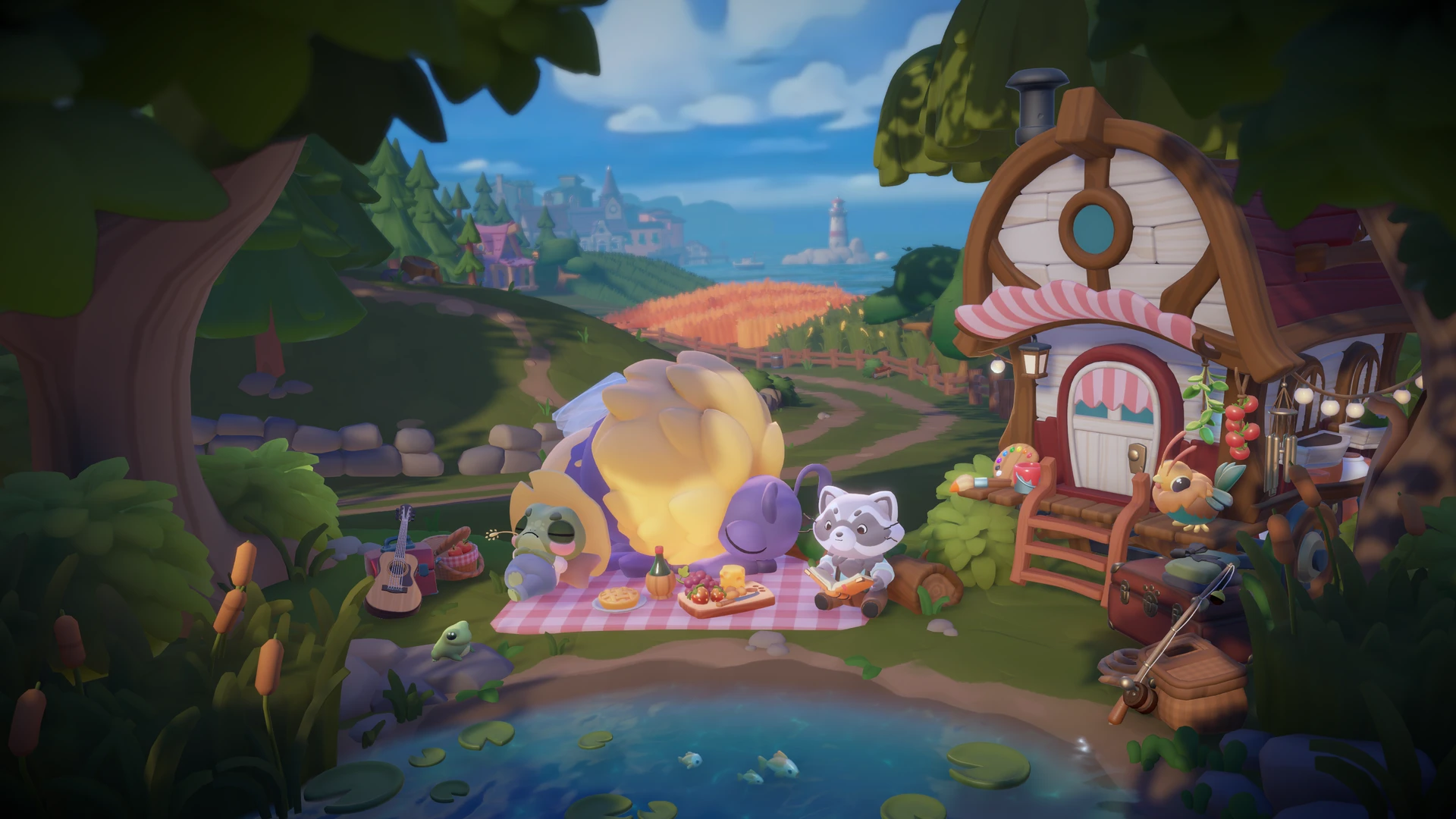
Cozy Caravan is a Unity based wholesome crafting adventure from 5 Lives Studios. Players travel through picturesque landscapes with their companion Bubba in a trusty caravan, helping local communities by gathering resources, crafting handmade goods, setting up a market stall, and meeting a cast of charming characters along the way. With its focus on customization, kindness, and life on the road, the game’s cozy visual style is a big part of its appeal, which also made preserving that look during optimisation especially important.

Challenges in porting to Switch and Mobile
While Cozy Caravan initially targeted PC, we at 5 Lives Studios always intended to release the game on more memory-constrained platforms such as Nintendo Switch. During the development, we also came to an agreement to release on Apple Arcade, which meant an even broader set of device specifications we needed to support. As production continued, it became clear that memory usage was going to be a challenge, and our meshes were one of the largest memory consumers.
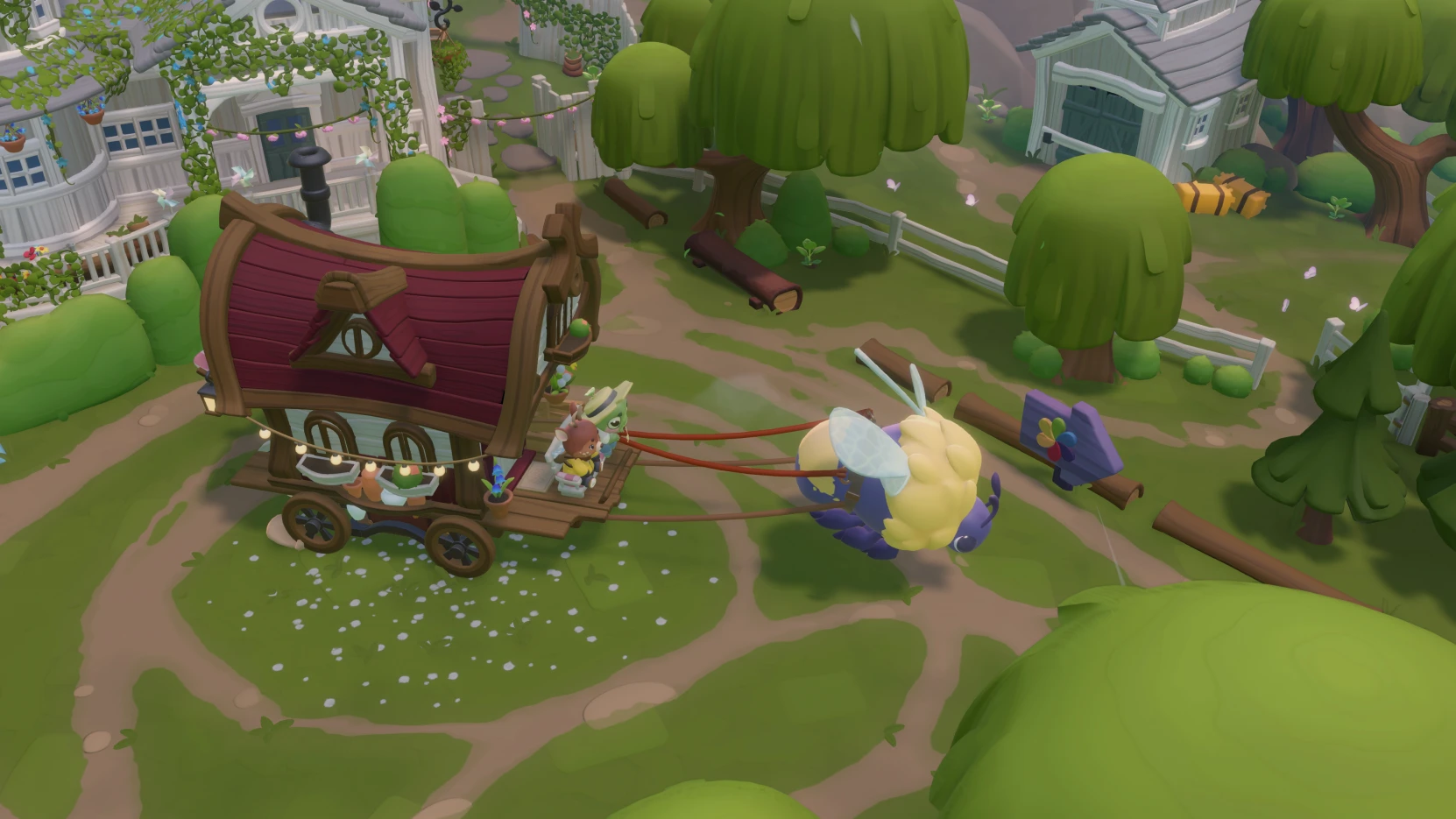
That challenge was amplified by the game’s character customization system. Players can create adorable characters from many different animal species, colors, and outfit combinations, which meant we needed an optimization approach that could scale across a wide variety of meshes without sacrificing the game’s warm, handcrafted look. Not only that, but because we were already well into development, with very established pipelines, we needed a solution that could easily slot into our existing workflow.

LOD0 Reduction for mobile and Nintendo Switch
On PC and MacOS, where memory was less of a concern, we used LODs is a more-or-less standard manner — using Unity’s LOD component and adjusting the ranges according to our mostly-fixed top-down perspective. However, on the memory-constrained devices, we did away with most of the LOD0 assets completely, which allowed us to completely avoid loading the highest resolution meshes into memory at all.
The exception was in the character creation screen where the original assets were still used on mobile and Switch, since the camera is up close, and it’s more of a “hero shot” where players are first introduced to the cute characters. In this screen, only a few assets are loaded at once, so memory was less of a concern.
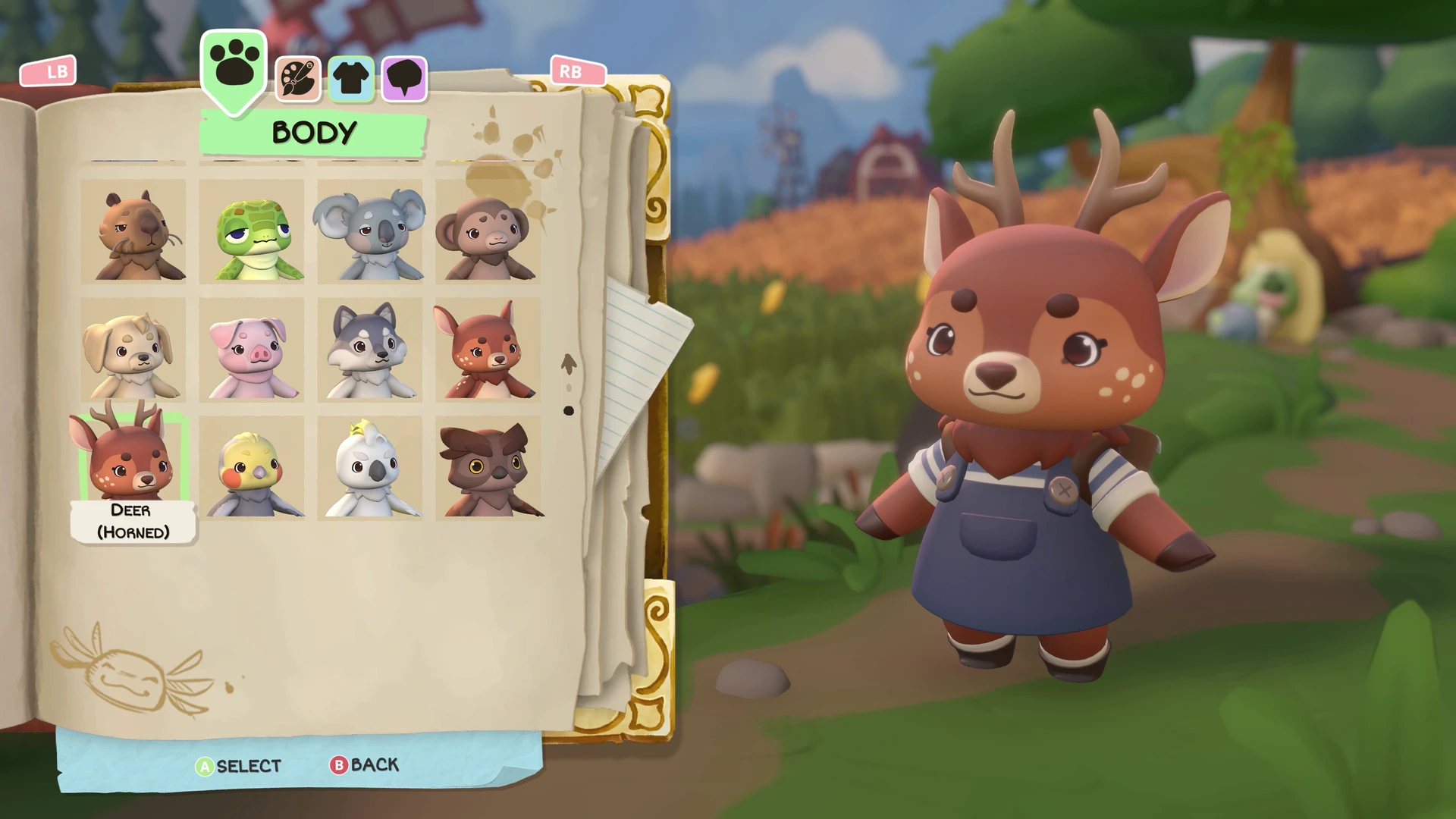
To optimize the models, we used Simplygon’s standard Reduction pipeline. We initially used the Triangle Ratio approach, and while that produced acceptable results on some assets, it would have needed a bit more fine-tuning to get our desired results on certain assets. Because we already had a large library of character and environment assets we needed to process, we wanted something that could be applied more broadly with little to no specific adjustments.
Ultimately, we settled on the On Screen Size and Max Deviation reduction targets. By creating reduction pipelines that were grouped by asset type (e.g. Characters, Buildings, Foliage, etc), we were able to find settings that maximized the benefit while still preserving the original look of our existing assets.
Cutting away hidden geometry with visibility culling
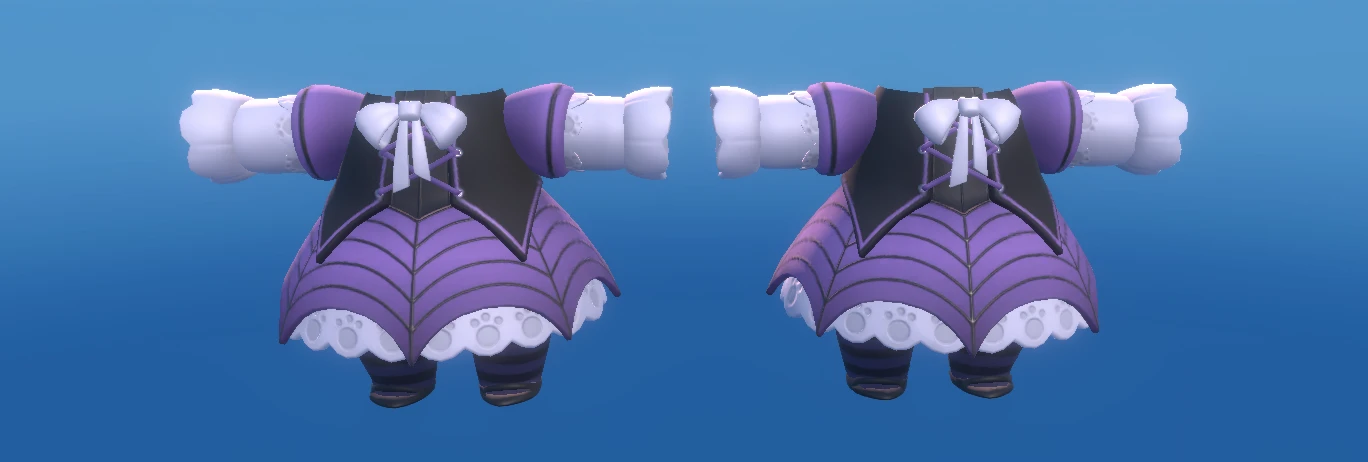
Another way we were able to make some fairly substantial savings to memory was in visibility culling, specifically on the caravan. We allow players to customize both the interior and exterior of their caravans with a variety of different themed decor sets. These have a fair amount of geometry, but because of the restricted camera (particularly in the interior), this was a perfect opportunity to cull invisible geometry.
There is only a handful of different positions the game camera ever moves to when the player is inside their caravan. By placing camera probes in these positions, Simplygon would identify and strip away hidden triangles while keeping the visible surfaces intact. The rest of the caravan itself could act as occluding geometry. This optimization was actually run on our base LOD0 models as well, so this benefited all platforms, and you’d never realize while playing just how many polygons are stripped away just at the edge of your periphery.
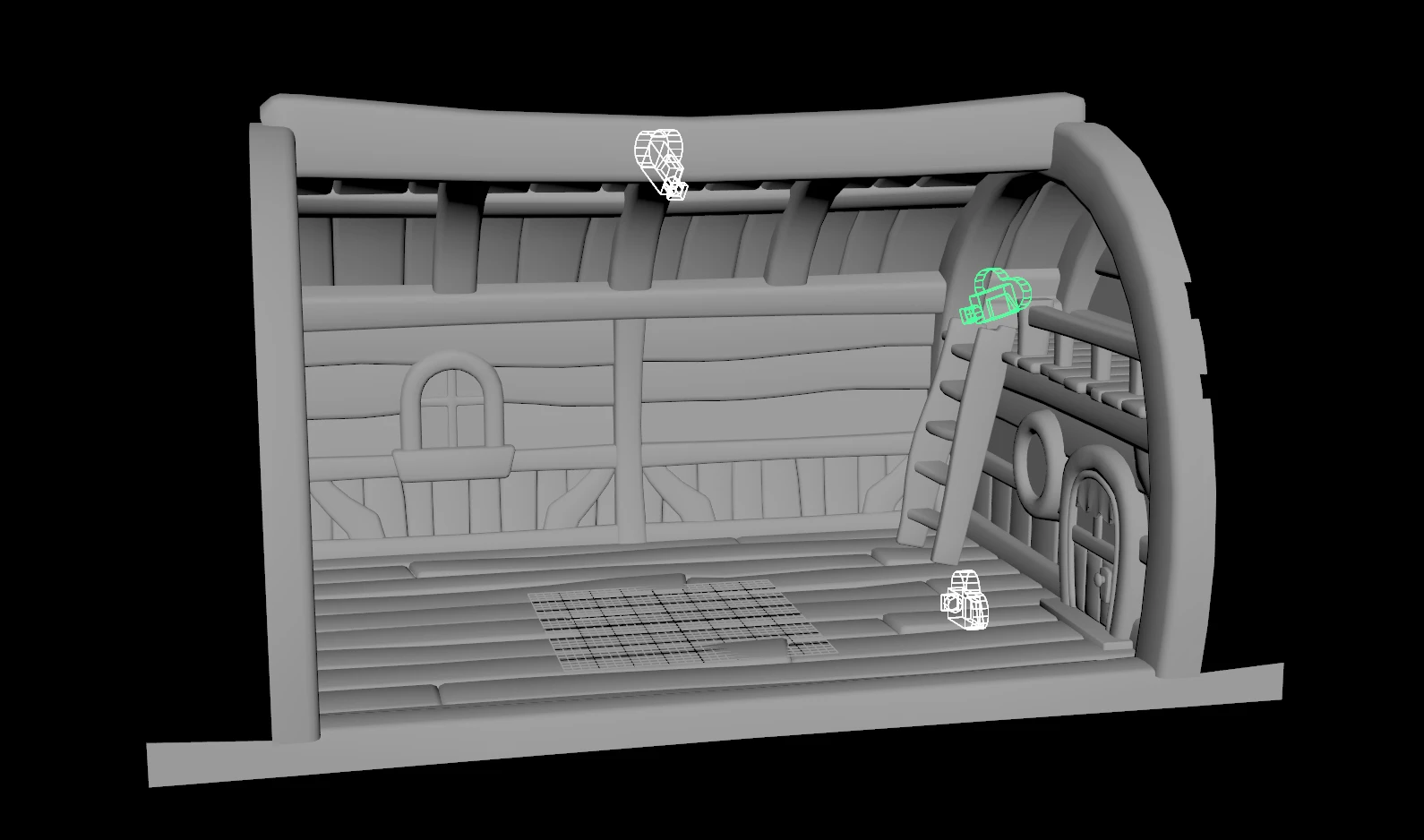
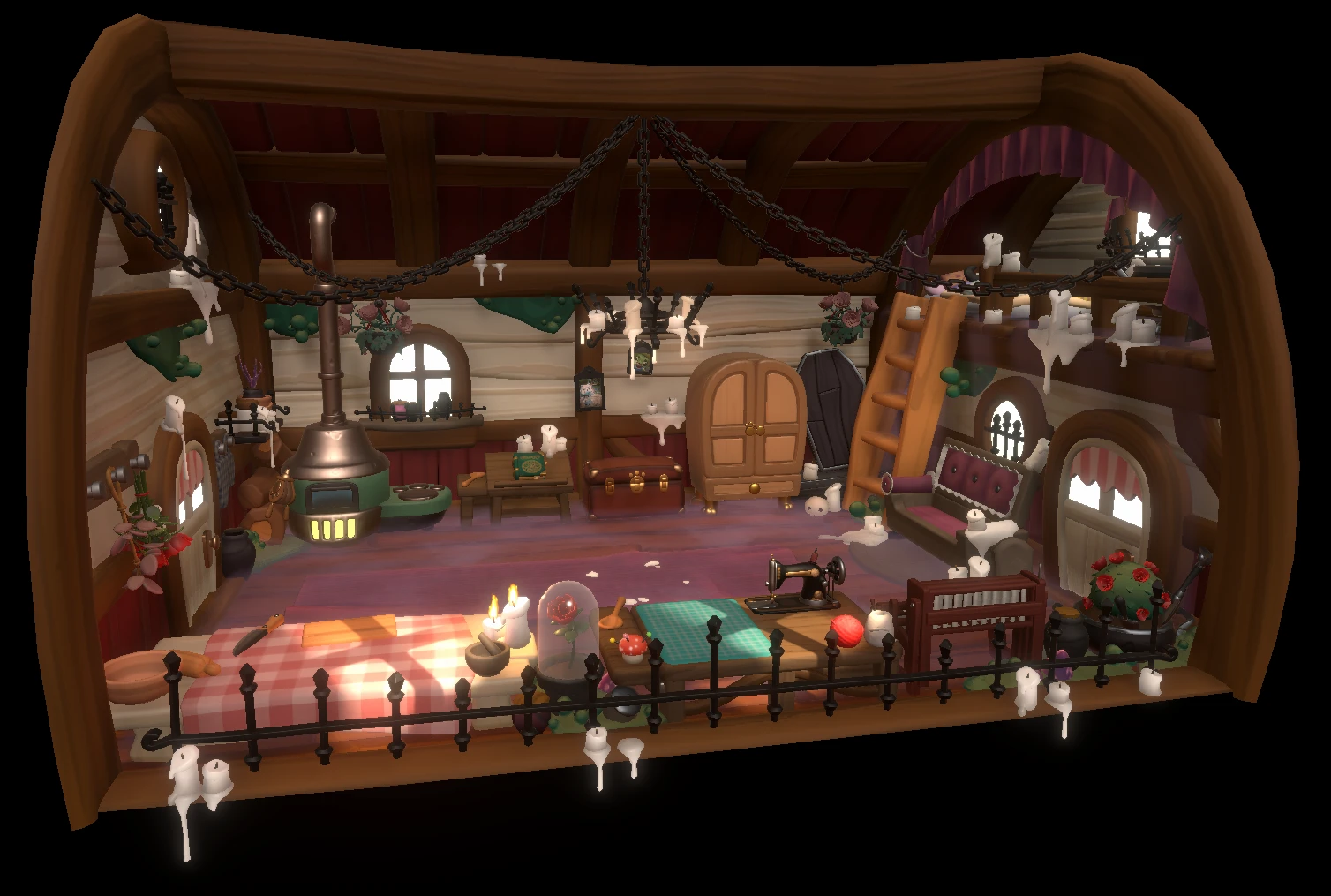
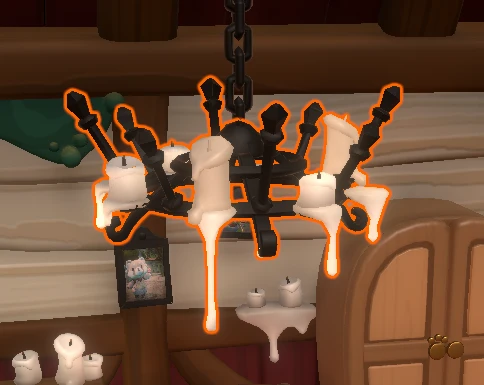

This particular adornment set went from ~85k vertices on the original source mesh, down to ~36k vertices on the in-game LOD0, with no perceptible change in quality.
Integrating into existing workflow
In Cozy Caravan, we had two asset creation pipelines. For characters and outfits, we use Maya, and for environment assets we use Blender. A Python-based export pipeline was already in place in both DCC tools, so this was a natural point for us to integrate Simplygon using the Python API. And this flexibility meant that when we came across unexpected hurdles, we didn’t need to change our pipeline and could adapt Simplygon to our processes.
For example, some of our assets include collision geometry parented under the same transform as the render mesh, which we don’t want Simplygon to process. This structure is convenient for export, but complicates things a little for direct processing, as they’ll get pulled in and be processed as part of the mesh hierarchy. So, we could simply filter by name pattern, temporarily unparent them to world space, run the pipeline, then put them back.
Our batch tool wraps the Simplygon call with a short prep/restore step around excluded meshes:
def run_simplygon_with_mesh_exclusion(main_meshes, pipeline_path, exclude_pattern="collider"): pattern = exclude_pattern.lower()
excluded, processing = [], []
for mesh in main_meshes:
    short = cmds.ls(mesh, shortNames=True)[0]
    if fnmatch.fnmatch(short.lower(), pattern):
        excluded.append(mesh)
    else:
        processing.append(mesh)

processing_set = set(processing)
restore_map = {}

for mesh in excluded:
    parent = cmds.listRelatives(mesh, parent=True, fullPath=True)
    if parent and parent[0] in processing_set:
        moved = cmds.parent(mesh, world=True)
        restore_map[cmds.ls(moved[0], long=True)[0]] = parent[0]

sg_roots = []
for mesh in processing:
    parent = cmds.listRelatives(mesh, parent=True, fullPath=True)
    if not parent or parent[0] not in processing_set:
        sg_roots.append(mesh)

cmds.select(sg_roots, r=True)
cmds.Simplygon(sf=pipeline_path, mnf="{MeshName}_LOD{LODIndex}", ili=1)

for mesh, parent in restore_map.items():
    cmds.parent(mesh, parent)
The colliders export unchanged with the rest of the asset, so only the render geometry picks up new LOD meshes. It's a small amount of Maya scene housekeeping, but it's the kind of thing you only think to automate after the first time it bites you in a batch run.
Conclusions
Working with such memory-constrained platforms was a real challenge, and art is typically one of the primary places where sacrifices need to be made. Simplygon made it possible to make real, meaningful savings in our memory budget, all while preserving the quality of our art. By reducing the memory cost of meshes and cutting away hidden geometry where possible, we were able to preserve the cozy visual identity of the game while adapting it for mobile and Nintendo Switch. Just as importantly, the solution fits into our existing pipeline, which made it easier for us to keep moving quickly as a small team.