Blog
When optimization gets practical
Customer stories, technical guides, and deep dives into 3D content optimization pipelines.
Categories
Tags
Search results

Customize your Simplygon pipelines
This blog will cover how to customize your Simplygon pipelines in 3ds Max, Maya, Unity and Blender. Customizing pipelines allows you to share presets for different kinds of assets with your team. Defining pipelines for different asset categories can be seen as a step to fully automating your asset pipeline.
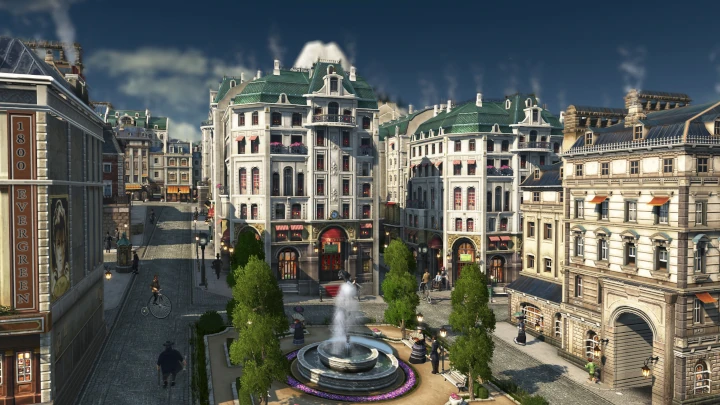
Customer Story: How Simplygon helped bringing Anno 1800 to PS5 and Xbox
Anno 1800 is a city-building game from Ubisoft Mainz that was released in 2019 for PC. It features a massive world with huge islands, dense forests and hundreds of unique and beautiful buildings that form anything from small villages to gigantic cities. There’s a wide range of assets, small fishing huts, noble four-storey-tall residences, breathtaking skyscrapers, factories, monuments and more. Thanks to its great initial success and continuing support of the live-game with DLCs and cosmetic DLCs, the decision was made that the title should launch on console, too. This was a huge undertaking but with Simplygon's help it turned into a great success.

Calculating LOD transitions when using triangle ratio as reduction target
This blog covers how to use GetResultDeviation to calculate when to LOD transition. In normal case we strongly recommend to use screen size or max deviation as reduction target, but if you have a specific need which request reduction ratio or exact triangle count this blog will describe how to calculate when to switch to that LOD. We are going to use this to populate a Unity LODComponent. We are also going cover how to reuse materials from LOD0 automatically.

Aggregation and remeshing - Evaluating the best method for proxy creation
After reading this blog post, you will have a framework to evaluate the best method to create proxies for your game. The post will compare the remeshing and aggregation methods for generating proxies for your asset collection, and delve deeper into how to decide which method is best for your game.

Automating your asset pipeline
This blog post describes how to optimize content using Simplygon's SDK for various platforms with automation. It includes a guide on creating an LOD chain in Maya and scripting it for multiple assets, and highlights the benefits of using screen size optimization. The post also gives suggestions for further challenges to tackle in the pipeline.

Troubleshooting gamma issues
If you have processed assets in Simplygon and the output had another color shade, then this post is for you. In this post we'll go through how to detect and solve gamma issues.
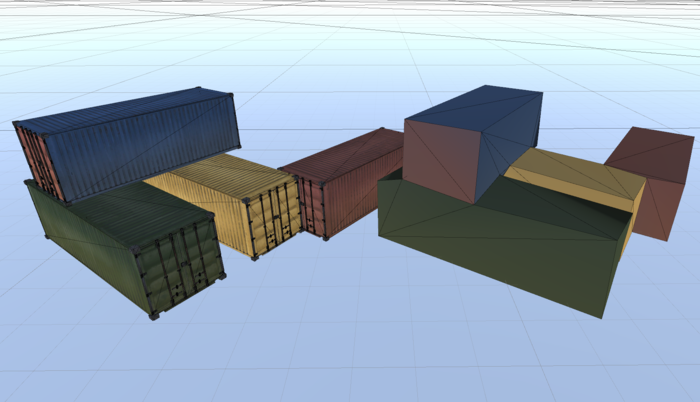
Bake textures into vertex colors
In this post we are going to bake textures into vertex colors. This is useful for LODs which are really far away, where we just want some color. In order to do this, we need to disable sRBG on all texture nodes in the scene. So we'll cover how to traverse shader network as well.
How to detect broken assets with scene validation
A lot of unexpected Simplygon behavior is caused by broken assets. This blog post is about how to use our scene validator to validate your assets.
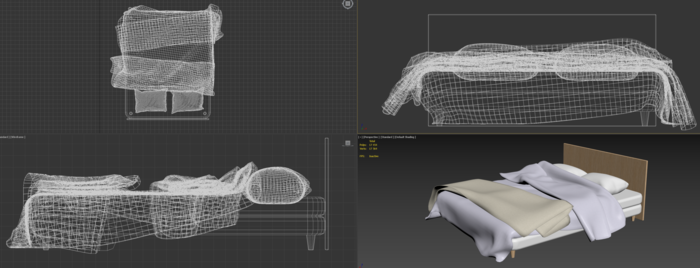
Remeshing interior design assets in 3ds Max
In this post we will create a proxy for an interior design asset using the 3ds Max Simplygon plugin. We will both use the basic remeshing with material baking template but also the advanced remeshing template to unlock some advanced optimization settings.
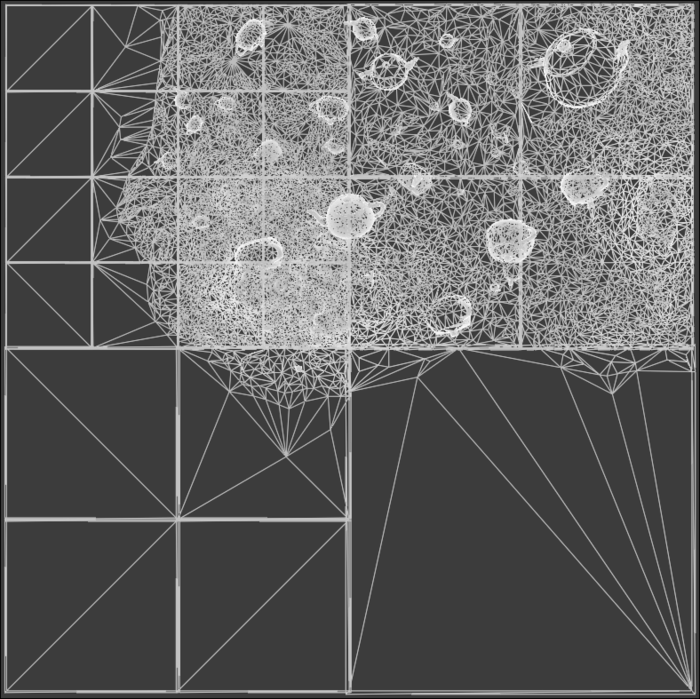
Remeshing terrain chunks for hierarchical LODs in C++
In this example we will discuss how to utilize the remeshing processor for generating a grid of HLOD terrain chunks from a large terrain input geometry. In doing so, we'll go over some basic geometry manipulation, remeshing fundamentals, and advanced usage of some remeshing processor functionality.
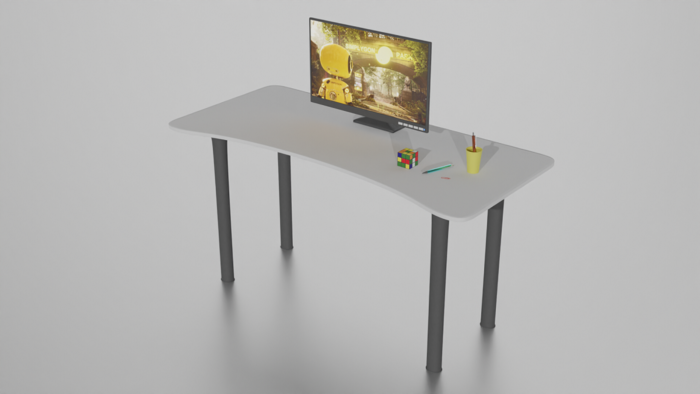
Multiple Reduction targets and Stop conditions
Running reduction with multiple Reduction targets and Stop conditions can be a flexible way to run the same reduction settings on a batch of assets targeting a certain quality while simultaneously enforcing a strict performance goal.
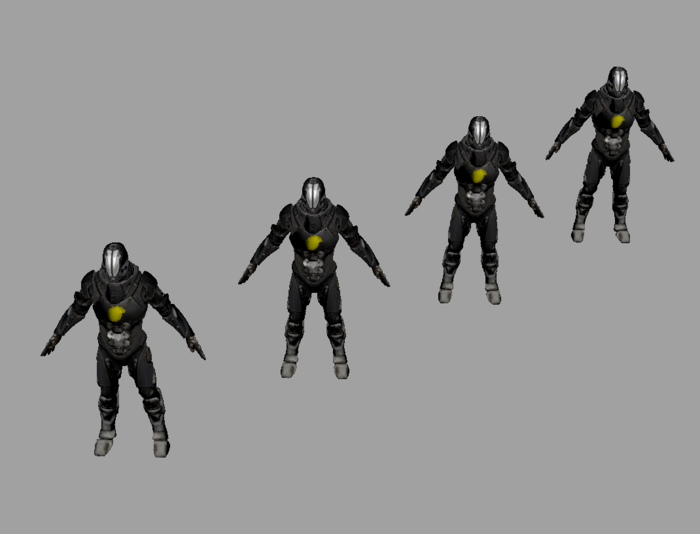
What to think about when it comes to LOD transitions
Balancing performance with visual quality by making sure the triangle budget of the LODs end up in the right place.
No posts match your filters
Try a different keyword, or clear the active filters to see every post.