Blog
When optimization gets practical
Customer stories, technical guides, and deep dives into 3D content optimization pipelines.
Categories
Tags
Search results

Getting started with quad reduction in Maya
In this blog we will look at how to use the quad reducer in Maya for character optimization. We'll look at both how to use it from the user interface but also from scripting.

Aggregate StaticMeshActors in Unreal Engine using the Simplygon Subsystem and Python
In this blog we will have a first look at the new Simplygon Subsystem import and export API for Unreal Engine and how to use it using Python. We will use it to aggregate and remove internal geometry of a collection of Static Mesh Actors.

Scripting with Simplygon: A Framework
In this post, we will explore a scripting framework that allows you to extend the functionality of Simplygon objects in Python. This framework will provide you with a starting point to create a library of helpful functions, enabling you to quickly iterate as you refine your asset pipeline. The approach we will discuss is a seamless extension to Simplygon that allows you to add functionality as needed, without requiring a significant time investment upfront.
Reuse proxy models with surface mapper
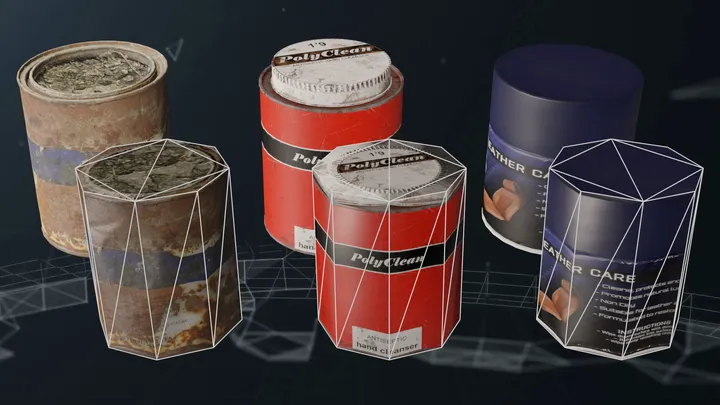
In this blog we'll showcase how the surface mapper enables reusing the same model as LOD levels for multiple models with different topology. It also showcase how you can bake materials to an self supplied proxy model.

Protecting selected materials
In this blog post, we will guide you through the art of safeguarding specific materials during mesh reduction. Imagine scenarios where preserving intricate details, such as character faces or dynamic materials like cloth, is crucial to maintaining the overall visual appeal of your 3D models.
Simple Maya script
In this post, we'll guide you through using Simplygon's scripting support in Maya to transfer data from Maya to Simplygon, run a process, and bring the results back into Maya. This tutorial will provide a solid foundation for applying tips and tricks from other blogs directly within Maya.

Scripting with Simplygon: Introduction
This is the first of a series of posts where we dig deeper into how to script with Simplygon. In this post we will explore four levels of scripting depth, discussing the advantages and disadvantages of each approach.
Optimizing a modular character asset
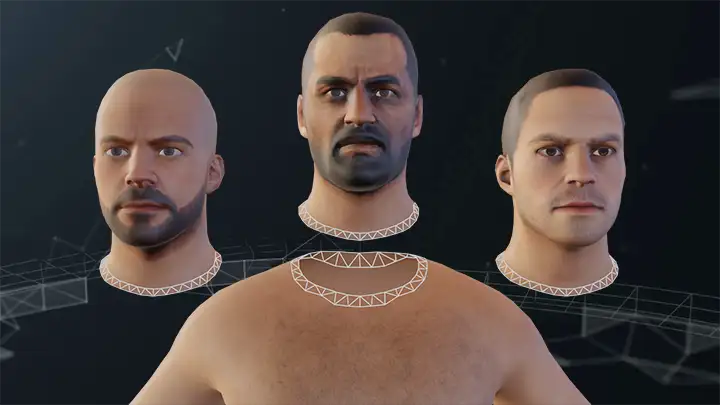
Characters constructed of modular pieces can suffer from a problem after they are optimized. If the seams connecting the different parts are not matching each other, you can end up with visual artefacts. This blog post will show how you can use the modular seams feature of Simplygon to prevent these issues.

Keep original materials during aggregation
In this blog we'll showcase how to keep original materials during material merging. This enables you to keep materials that require special shaders separated during optimization.
Character optimization with quad reduction
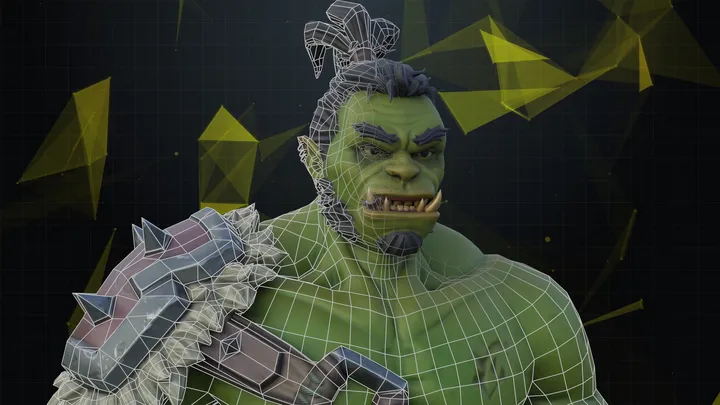
In this introduction blog we'll look at how to optimize a skinned character with the quad reducer.

Aggregation with multiple output materials
In this blog we'll showcase how to use a mapping image with multiple output materials. This enables you to perform material merging on an asset with both opaque and transparent materials.
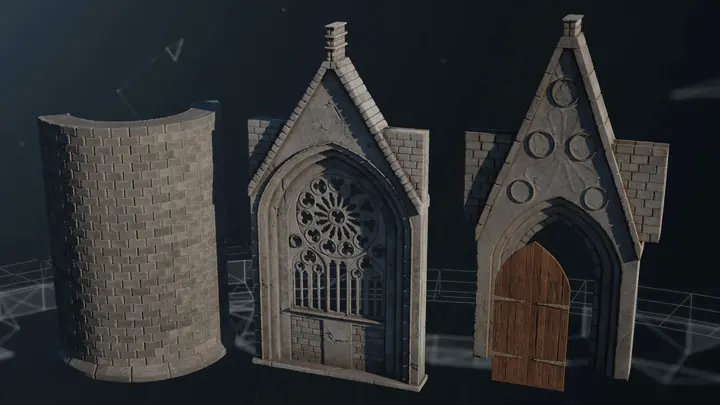
Introduction to micro-meshes for mesh compression
In this blog we will cover how to generate meshes using NVIDIAs new micro-mesh technology with Simplygon. We will create a batch processor for kit-bashed 3d scanned content indented to save disc space and optimize render performance.
No posts match your filters
Try a different keyword, or clear the active filters to see every post.