Blog
When optimization gets practical
Customer stories, technical guides, and deep dives into 3D content optimization pipelines.
Categories
Tags
Search results
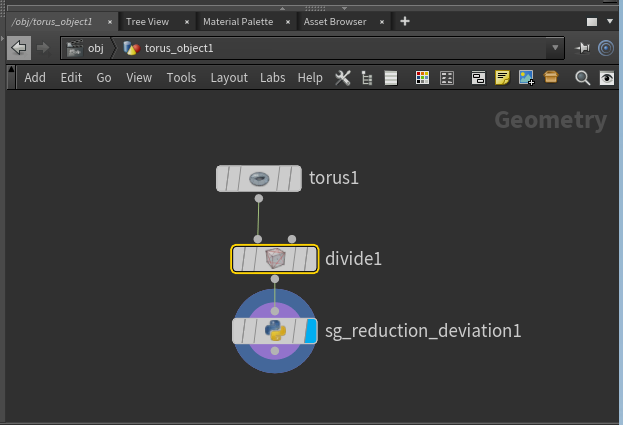
Getting started with custom Simplygon nodes in Houdini
This post will demonstrate how to access the Simplygon Python scripting API through our Houdini plugin. We are going to create a custom geometry node running Simplygon's reduction processor and pass parameters from Houdini's UI to it.
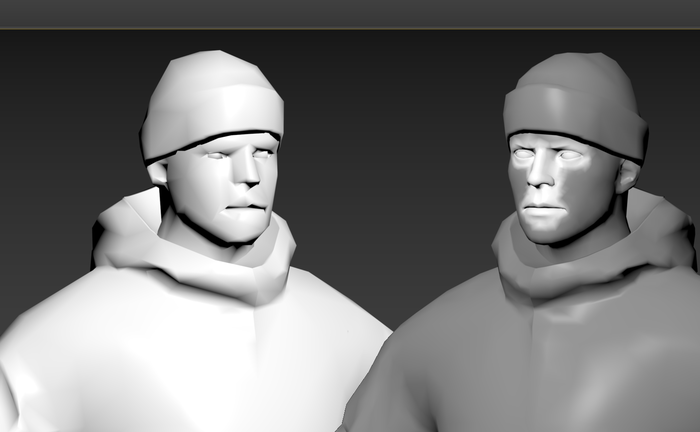
Demystifying vertex colors in 3ds Max
In this blog post we are going to optimize a game character in 3ds Max. We are going to use two sets of vertex colors; one which the game utilized and one which control the reduction.
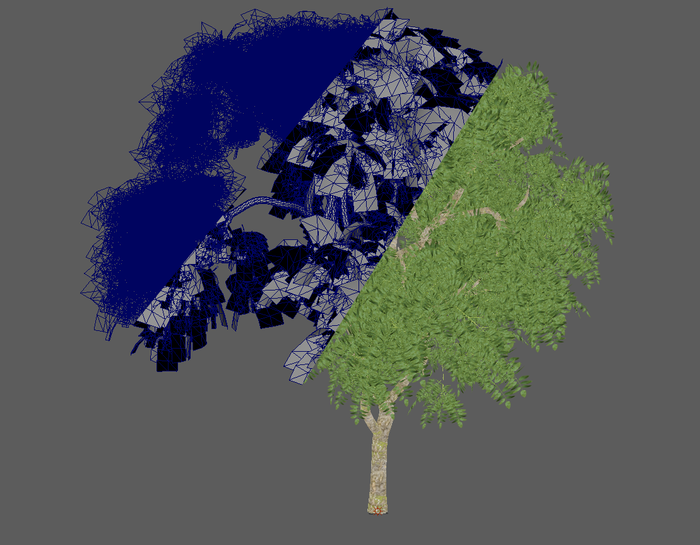
Manually separate trunk during vegetation optimization
Simplygon has a pipeline specific tailored for vegetation optimization; Billboard Cloud for Vegetation. One of its features is an automatic trunk detector which can separate out the trunk from all leaves and run it in a separate reduction processor. However for this blog post we are going to do that manually to increase our control over the processing.
How to detect broken assets with scene validation
A lot of unexpected Simplygon behavior is caused by broken assets. This blog post is about how to use our scene validator to validate your assets.
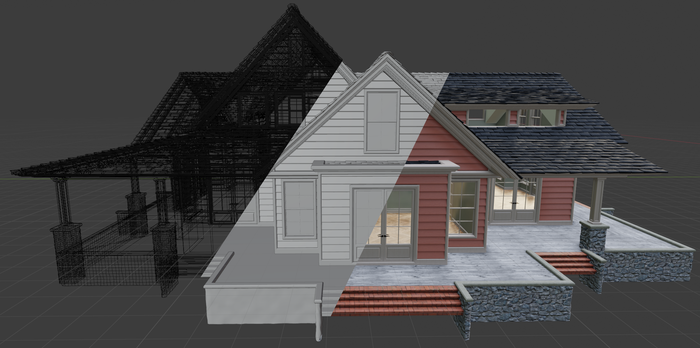
How to remesh your house with Simplygon
There are many objects which have different types of materials; both transparent and opaque. Remeshing these with Simplygon requires extra care if one wants to preserve the transparency. In this example are going to optimize a house with glass windows, a quite common asset in many games.
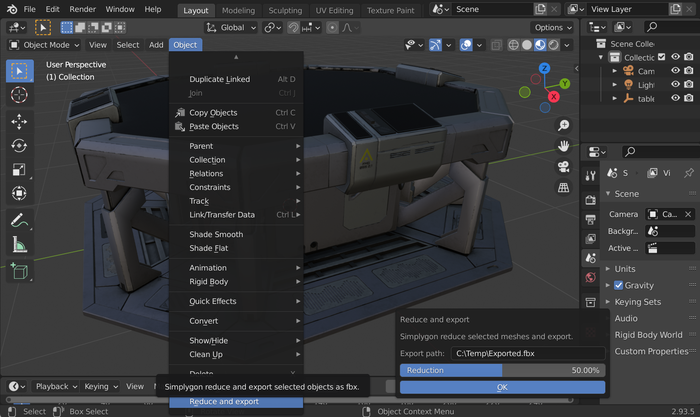
Create a Blender Add-on for your Simplygon pipeline
In this post we will take the script created in previous blog post and turn it into a simple Blender Add-on with a basic user interface. That allows us to easily share it and makes it easy to use for non-programmers.
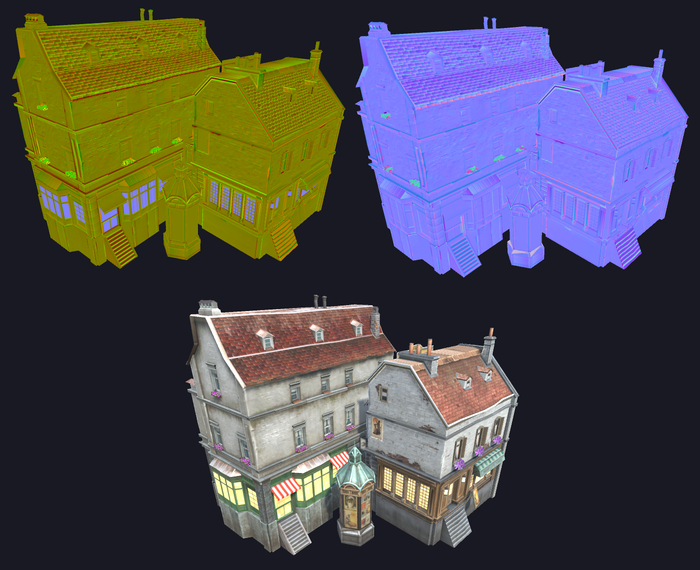
Use shading network to recreate normal maps
This example show how you can use shading networks to recreate a normal map that had it's blue channel removed.
Automating Simplygon workflow in UE4 using Python
The following article covers the basic of how to automate your Simplygon driven content pipeline using python in UE4

Optimizing 3D scans with Simplygon
Want to make those scanned assets more lightweight and ready to be used in your game or web application? This post will show how you can use Simplygon's remesher to produce heavily optimized versions of your scan data. It will also dig in on how to create a repeatable pipeline with which you can process large amounts of similar assets.

A simple Python remeshing
This post will give you a simple starting point for a remeshing script. We'll show how to turn an untextured glb asset, with material colors, into a textured proxy.
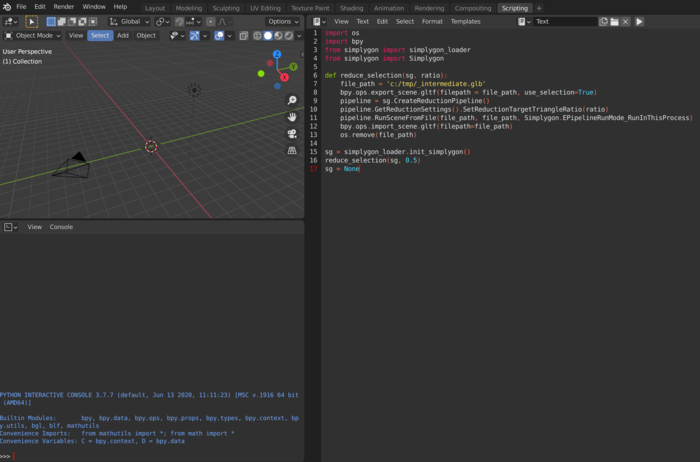
A simple reduction script in Blender
This blog will give you a simple starting point into scripting with Simplygon's Python API in Blender.
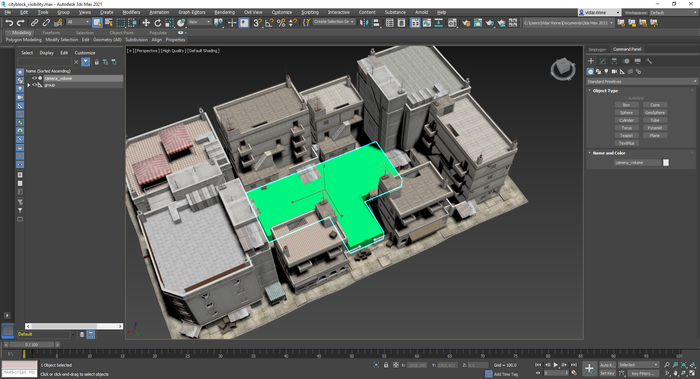
Visibility culling through generated cameras in Max
This (Python) example demonstrates how to use the Visibility Culling feature to remove geometry that is not visible from a specific set of cameras. The cameras are automatically generated by Simplygon based on a user-specified visibility volume / geometry.
No posts match your filters
Try a different keyword, or clear the active filters to see every post.