Blog
When optimization gets practical
Customer stories, technical guides, and deep dives into 3D content optimization pipelines.
Categories
Tags
Search results

How to optimize vegetation with Simplygon
In this blog, we will look at five different tools for automated vegetation asset optimization. We will go in order from those suitable for closer distances to those to be used when the vegetation is further away.

How to find correct settings for Billboard Cloud: Outer shell
Billboard clouds can be a lifesaver for assets where neither reduction or remeshing works. In this blog we will cover how to find good optimization settings for a Billboard Cloud: Outer Shell impostor.
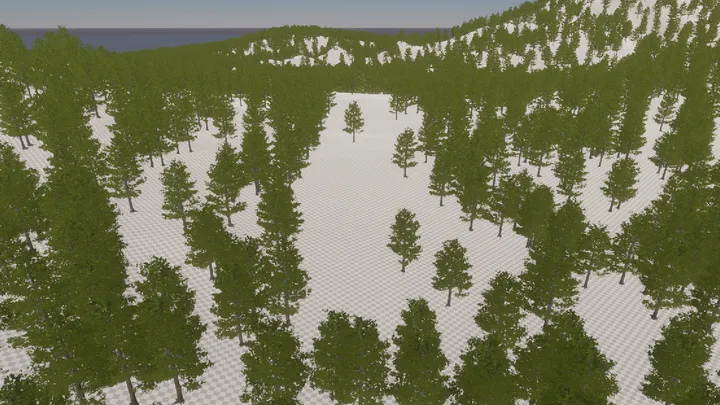
Optimizing vegetation assets with reduction and billboard pipeline
In this blog we will look at how to optimize vegetation assets with a combination of reduction and billboard cloud pipelines. We will also cover some texture import settings in Unity.
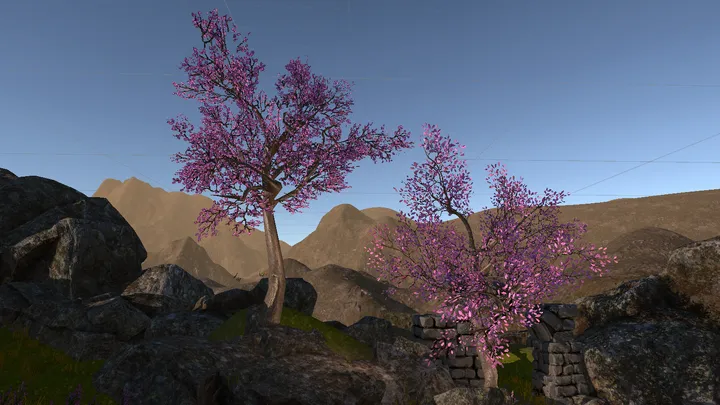
Rendering vegetation imposters
In this blog post we will look at two shading tricks that will increase visual quality of vegetation impostors; fading of orthogonal planes and noising of normals.

Optimizing Unity games with Simplygon 10.3
In this blog, we'll detail how our new Simplygon 10.3 release can be used to optimize Unity games. We'll showcase different examples on what kind of performance problems that can be solved with automated asset optimization.
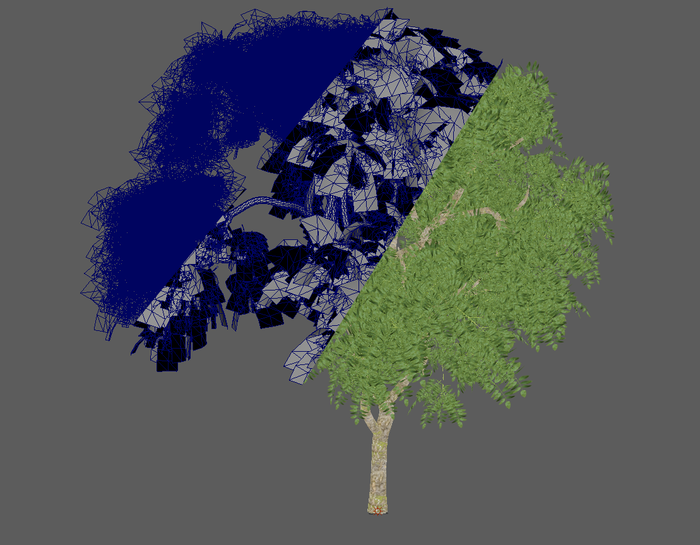
Manually separate trunk during vegetation optimization
Simplygon has a pipeline specific tailored for vegetation optimization; Billboard Cloud for Vegetation. One of its features is an automatic trunk detector which can separate out the trunk from all leaves and run it in a separate reduction processor. However for this blog post we are going to do that manually to increase our control over the processing.
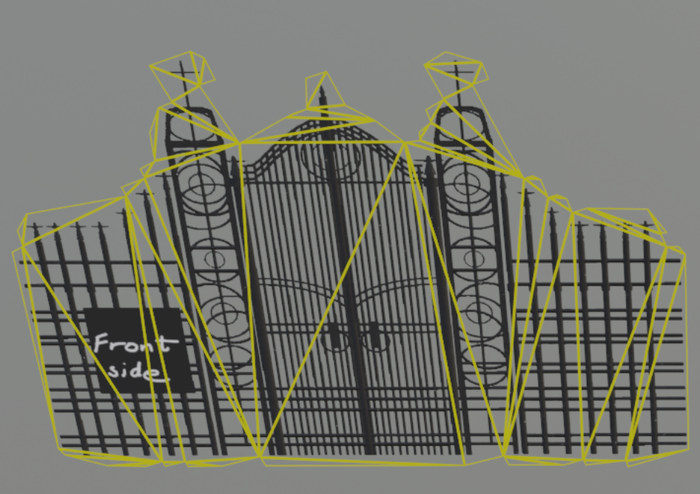
Billboard cloud mode: Outer shell
The billboard cloud aims to replace the objects in a scene with a view independent set of billboards. The Billboard mode: Outer shell makes the planes fit to the outer shell of objects, as opposed to Billboard mode: Foliage.
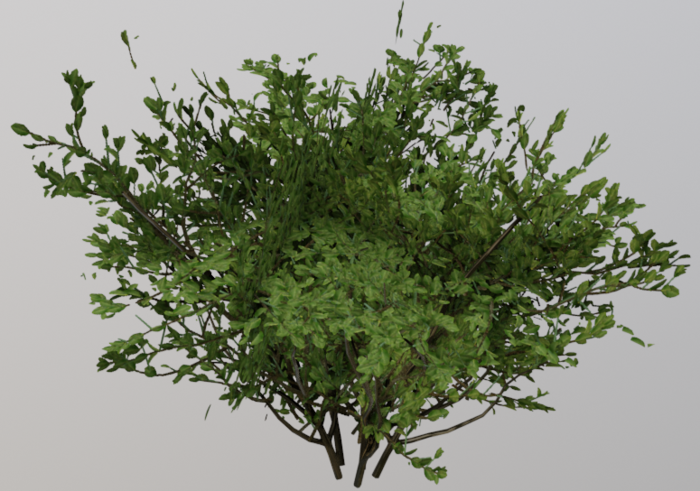
Impostor: Billboard cloud for vegetation
The billboard cloud aims to replace the objects in a scene with a view independent set of billboards. For vegetation assets the "Billboard mode" should be set to "Foliage" . This mode allows the billboards to represent the foliage volume with intersecting planes. The leaves should map to the billboards in a manner that keeps the perception of volume and silhouette close to the original tree.
No posts match your filters
Try a different keyword, or clear the active filters to see every post.